
The improvement allows you to delete any artifact if it is no longer being used.
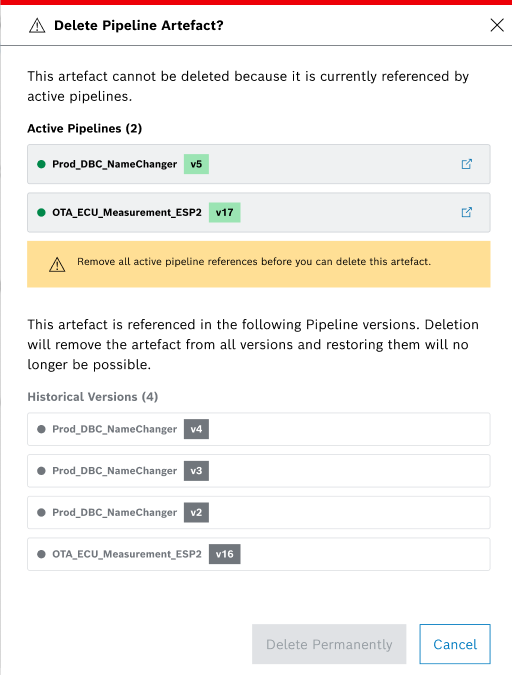
The new logic blocks deletion only when active pipeline versions reference the artifact. A new confirmation dialog enlists the active versions of pipelines using the artefact. The Delete Permanently button is not active:
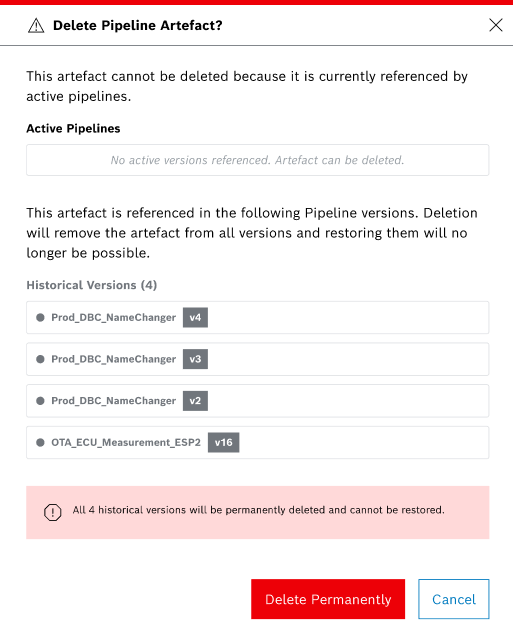
You can delete an artifact when there are only historical references or none at all. Then, the confirmation dialog provides a list reflecting any historical version which can no longer be reverted due to its removed artifact:
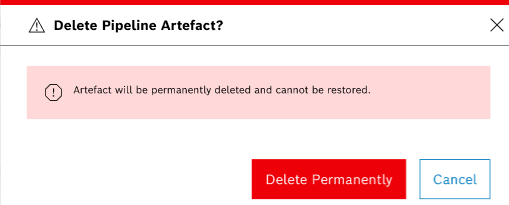
If the pipeline artefact has no references, it can be permanently deleted with the following confirmation dialog:
To learn how to configure the custom pipeline step, refer to the Configuring a pipeline guide.