
A new Error Pages tab provides two types of access denied pages for your users to reflect the supported use cases of Project Access Denied and Dashboard Access Denied pages:
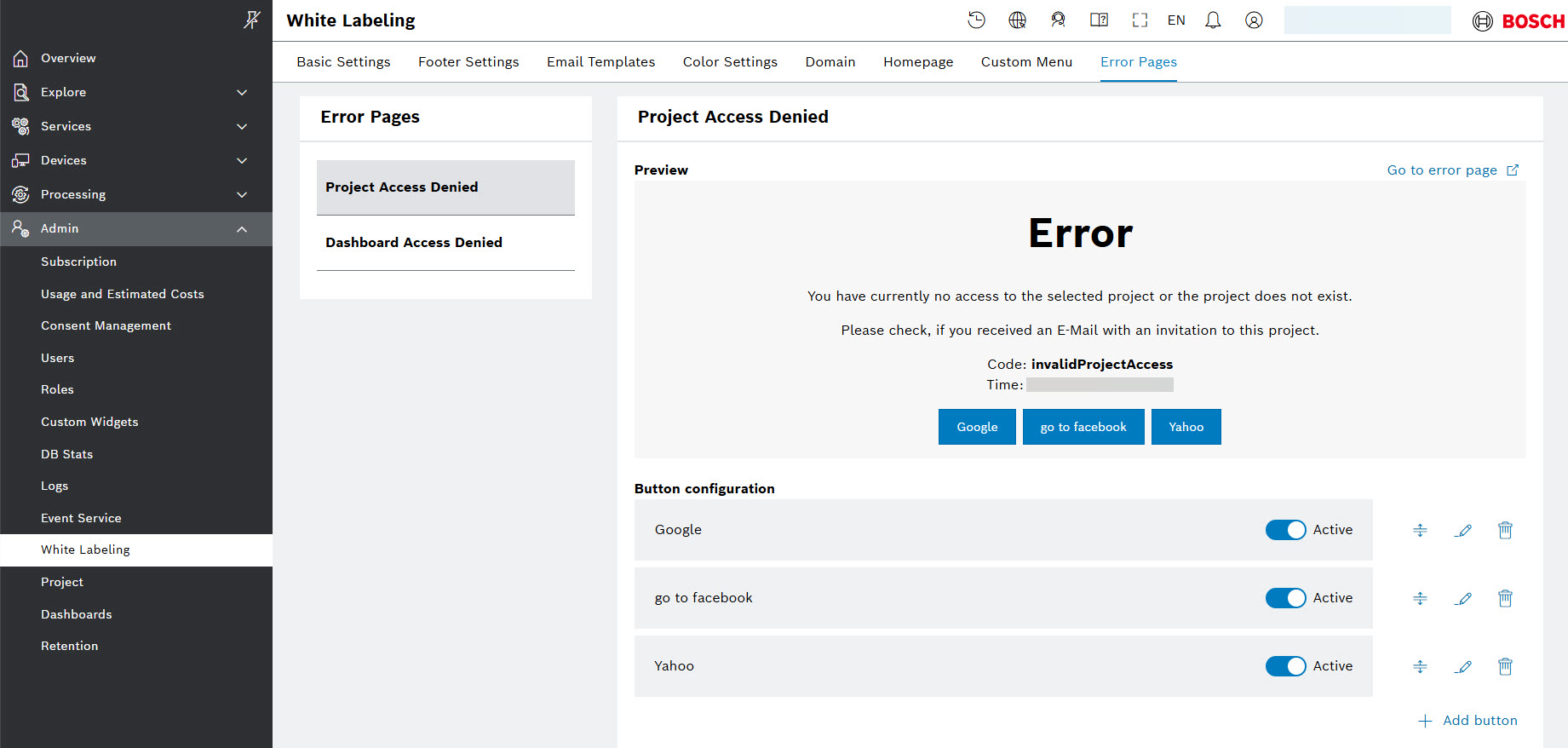
In the new Error pages system tab, you can provide a project-specific links on the access denied pages for your users, so that they have the option to notify administrators or be redirected (e.g., via a link) to a relevant page for further assistance. This also helps the users understand the reason for the access restriction they see.
For more details on how to create, activate, edit, move, and delete the preconfigured link buttons, refer to Error pages how-to guide.