
Now, you can compare two query template versions and explore the differences between them using the newly included Compare button inside the popover of the Version History list.

The comparison is always between the viewed version marked with a little blue circle and another selected version from the list to compare with by choosing the Compare button.
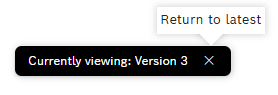
A notification displays the number of the currently viewed version. To return to the latest – Current version – select the close  button of the notification:
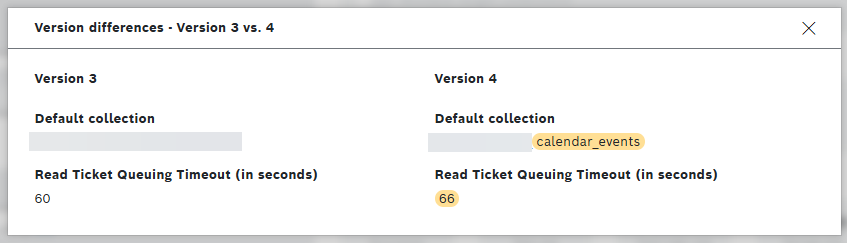
The differences between the two compared versions are highlighted in different color:
To change the couple to compare, view a version first by selecting the View version button:
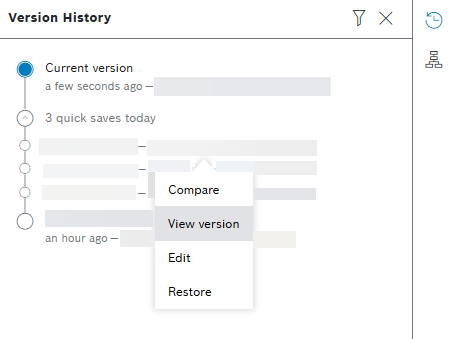
Then, select another version to compare with, using the Compare button.
For other details, refer to Versioning query template user guide.