
For all bookable device types, you can specify a dedicated device property field containing a valid e-mail address. In the booking dialog, this e-mail address is entered automatically in the ‘Confirmation E-Mail Addresses’ field as soon as the device has been added to the booking.
In the following example, the e-mail addresses appear automatically after the devices have been selected during the creation of a new booking:
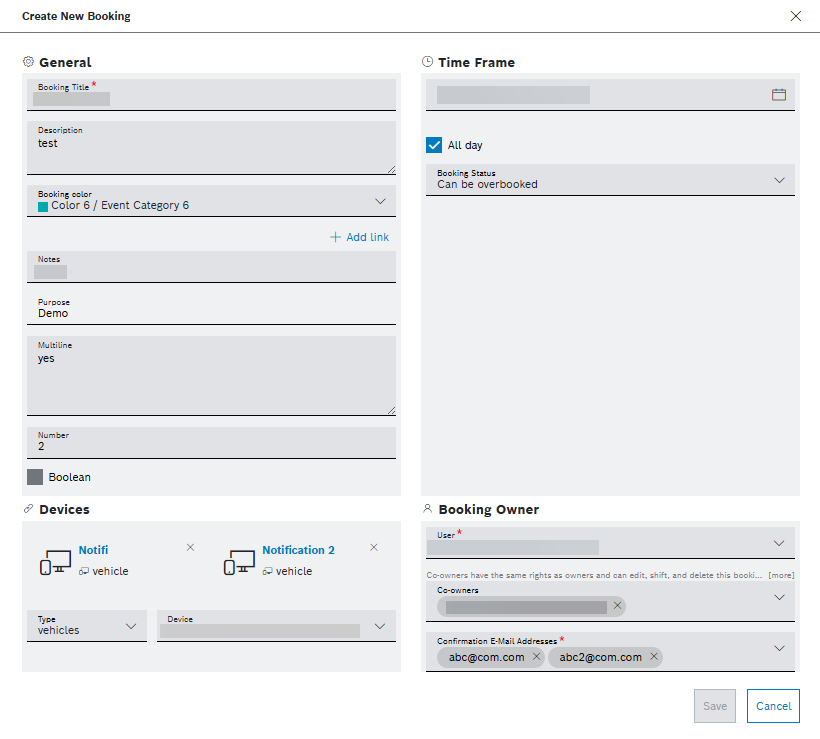
Learn more about how to create a new booking from Creating a booking user guide.