
Test buttons are now available for all subscription actions, based on the current configuration. For example:
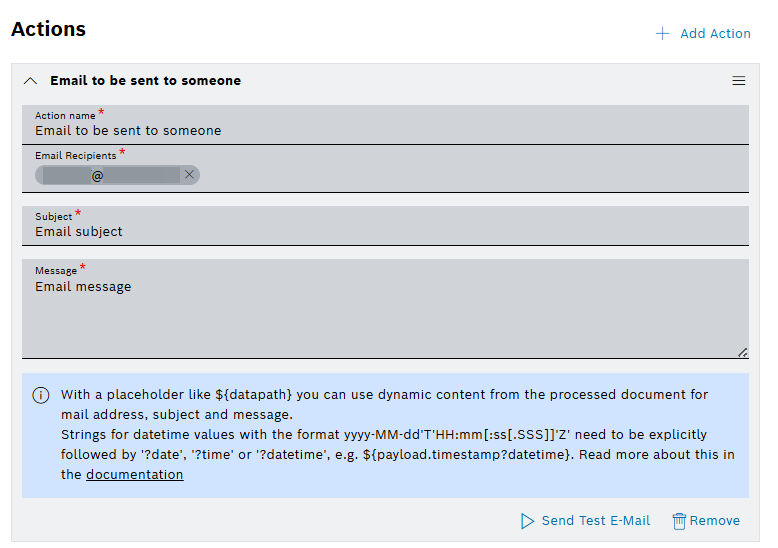
Use the following test buttons to validate your current configurations:
-
 Send Test E-Mail button sends the actual E-Mail.
 -
Send Test SMS sends the actual SMS – supported in Event Services.
-
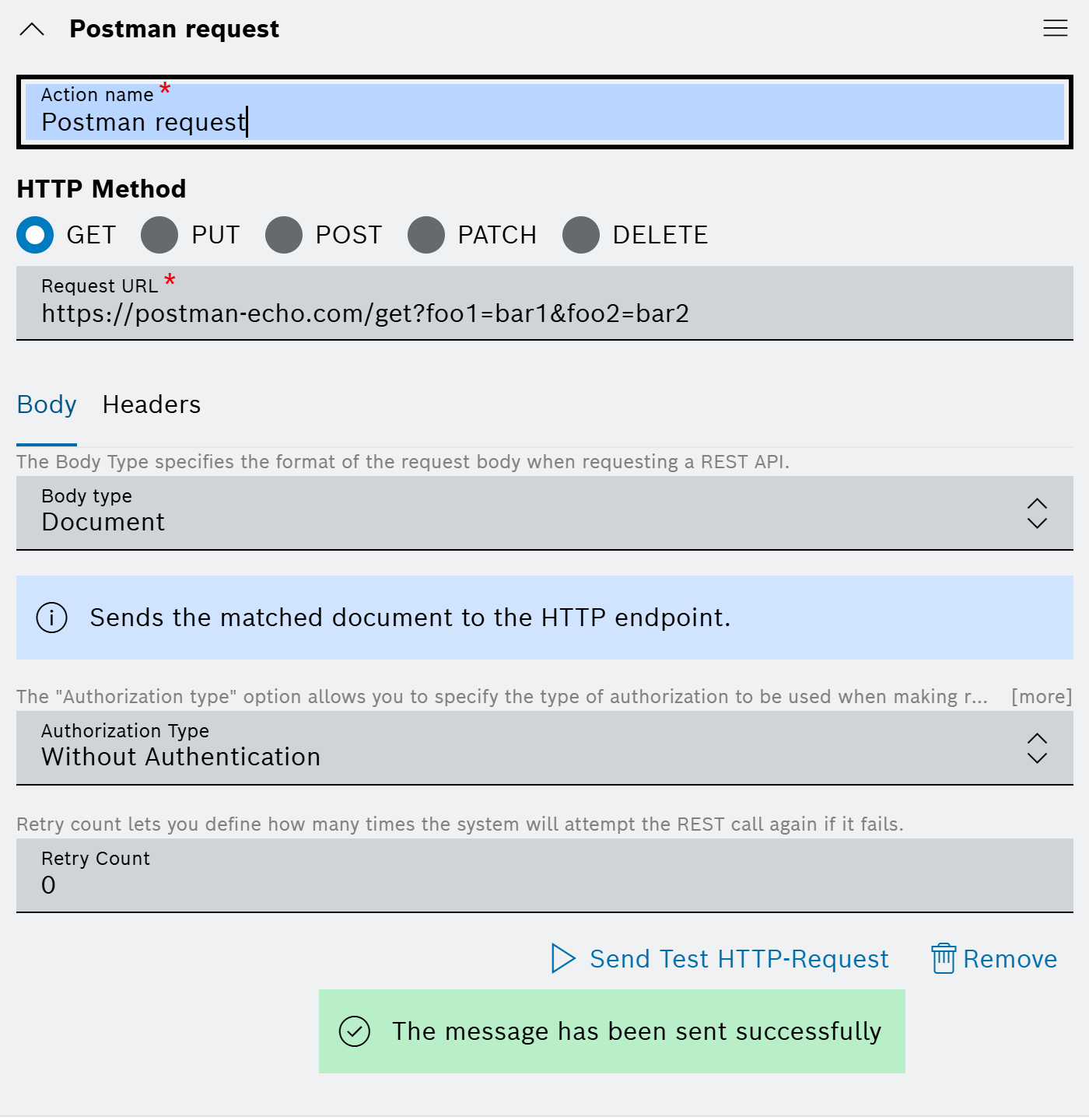
Send Test HTTP-Request button sends the actual REST request.
-
Send Test Notification button creates the actual notification – supported in Event Notifications.
-
Send Test Notification to myself button creates the actual notification, but only for the current user – supported in Event Services.
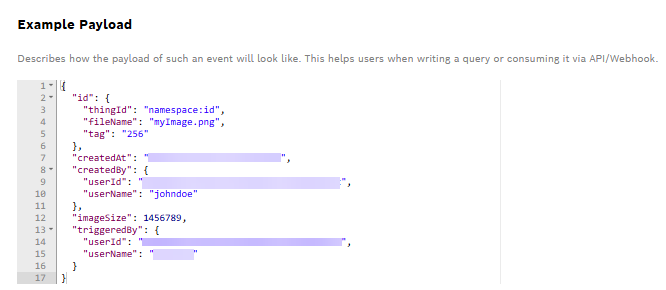
When the button is clicked it sends a request with the action definition and the example payload, which is shown on the UI, to the endpoint.
The status appears below the button showing the loading status and the result status or error:
For more information about the Event Notification and Event services, refer to Event Notifications and Event Service user guides.