
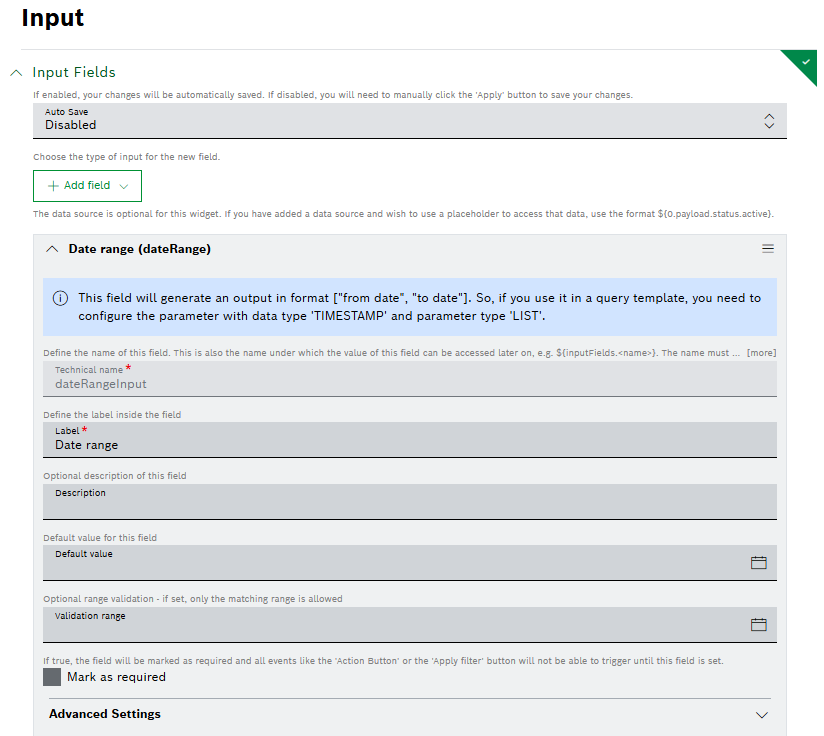
As the data format given out of the Input widget for a date range differs from the one of the Filter widget, we added a hint in the Input widget configuration. The hint describes how to configure a query template based on the Date range (dateRange) input field, making it clear that you have to configure the parameter with data type “TIMESTAMP” and parameter type “LIST”, since the output of that field will be generated in the format of [“from date”, “to date”].
For more information about the Input widget, refer to Input widget.