
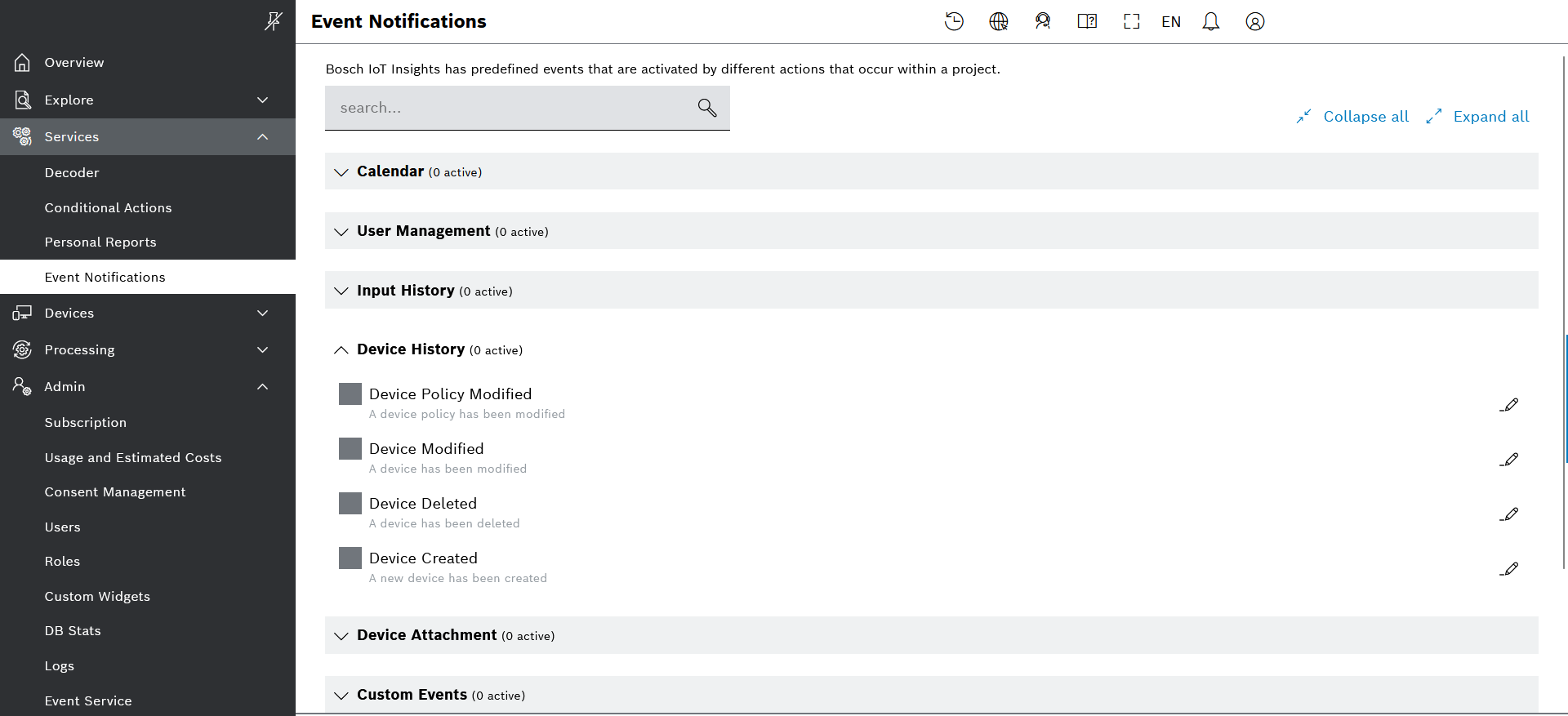
It is now possible to configure your own personal notifications of generated events, such as various categories of already defined system events and custom events. This can be done in the new UI menu under Services, namely Event Notifications. In it, you just have to activate the checkbox of the event of interest, and can further configure the notification message through its edit icon on the right.
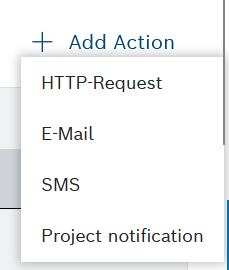
In addition, project admins can configure project-wide notifications for such events, so that these will be received by specific users and/or roles in the project. This configuration can be done in the Admin > Event Service menu, as part of the event subscription configuration editor and the dedicated action called Project notification.
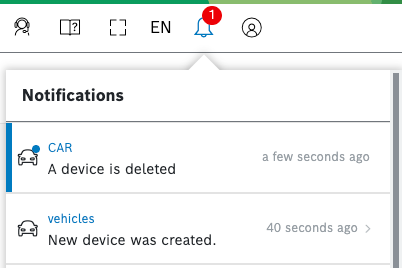
Once configured, the new notifications along with a link to the notification history will be available through the notification bell icon in the UI header bar and in its respective menu.
Find out more in our User guide at: