
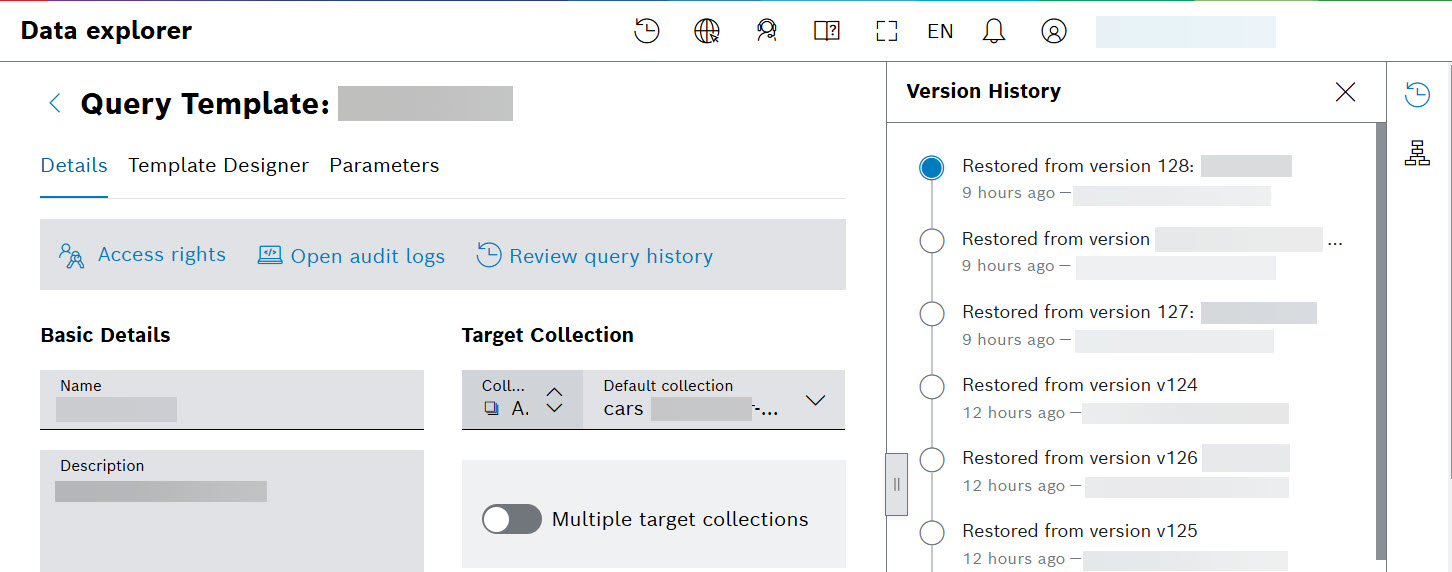
Version History drop down is accessible by selecting the history  icon from the fixed action column from the right hand side:
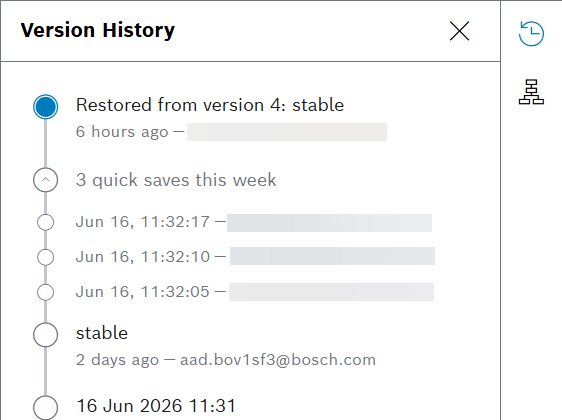
Versions are created by selecting the Save with comment button resulting in ‘formal’ versions, or the Save button for ‘quick save’ versions between the formal ones:
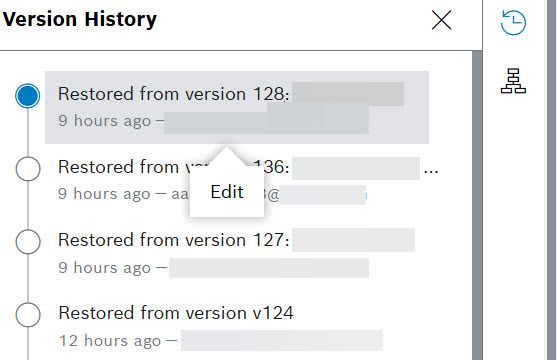
To improve the accuracy and richness of the version history, we introduced the ability to edit the comment and tags of a past version. This is the first interactive feature added to the version history dropdown menu. You can edit the version by selecting it. Then, an Edit button appears:
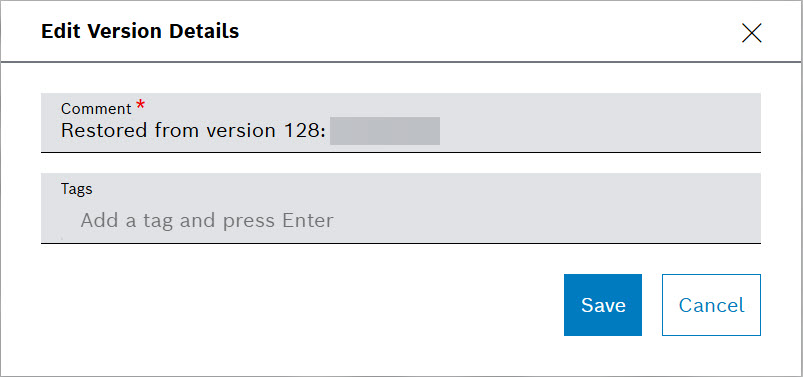
Select the Edit button and change the version comments and tags:
For more information about Query Templates, refer to Versioning query template and Data Explorer user guides.